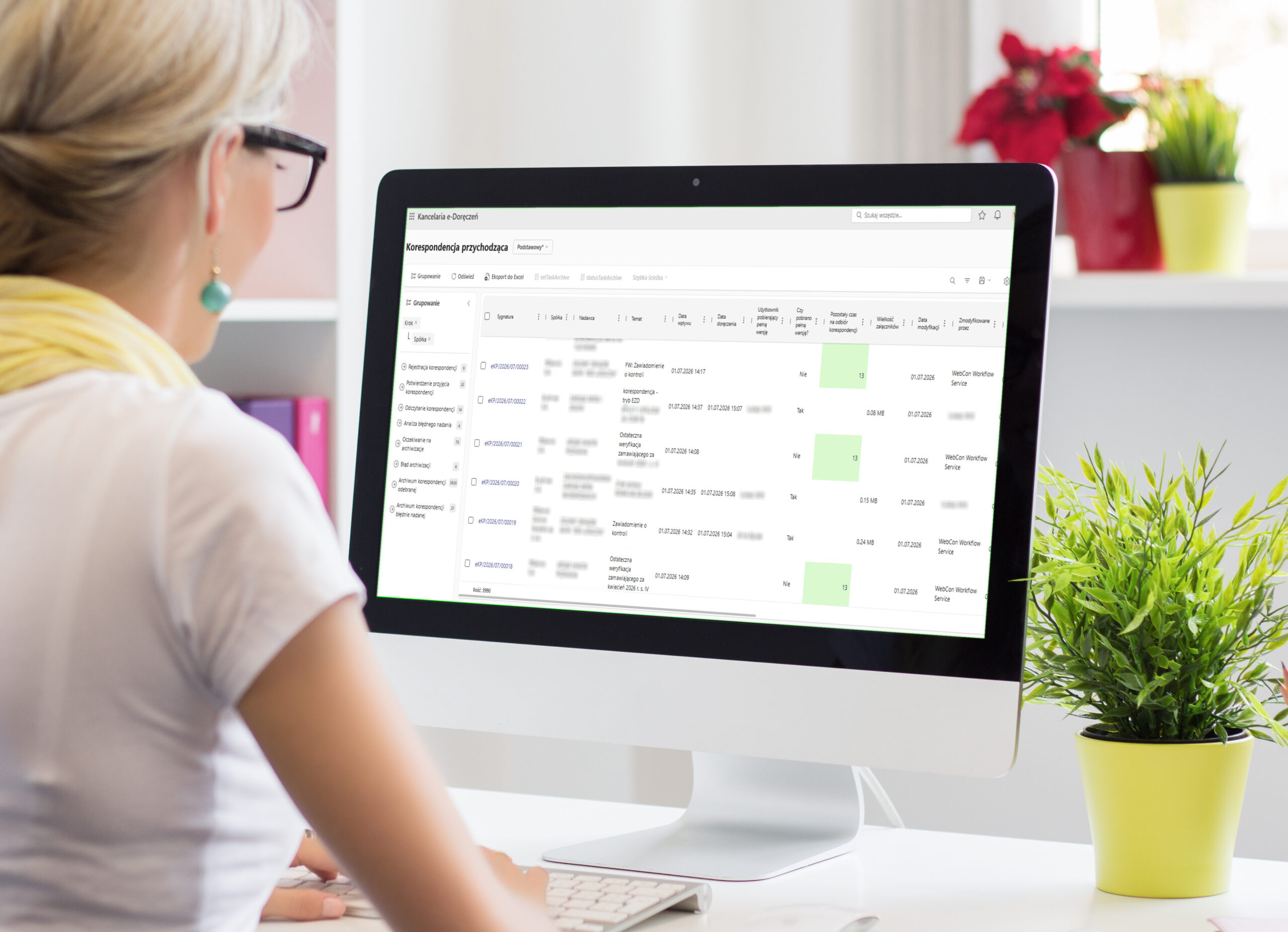
e-Doręczenia GoNextStage Connector. Electronic delivery software for businesses
Next stage of correspondence management
e-Doręczenia is Poland’s implementation of the EU eIDAS framework for electronic registered delivery services. It provides a legally recognized digital channel for official communication with public authorities and businesses. GoNextStage e-Doręczenia Connector is a solution that connects Poland’s e-Doręczenia service with business document workflow systems. Our experts can also design and implement similar solutions to support eIDAS compliance in other EU countries.
Who can benefit from eIDAS Connector?
EU-based medium-sized and large companies meeting the need to be eIDAS-compliant. It is particularly useful for these organizations whose objective is to reduce the number of communication channels.
e-Doręczenia Connector Features
Automatic retrieval of messages from national eIDAS solution
Support for both incoming and outgoing correspondence workflows.
Search engine of businesses using a particular country digital delivery service
Messages PURDE and PUH
PURDE: electronic equivalent of registered mail with proof of delivery.
PUH: a hybrid service in which the sender sends a letter electronically while the recipient may receive it in paper form. This is useful when the recipient does not yet use e-Doręczenia.
Monitoring and alerts
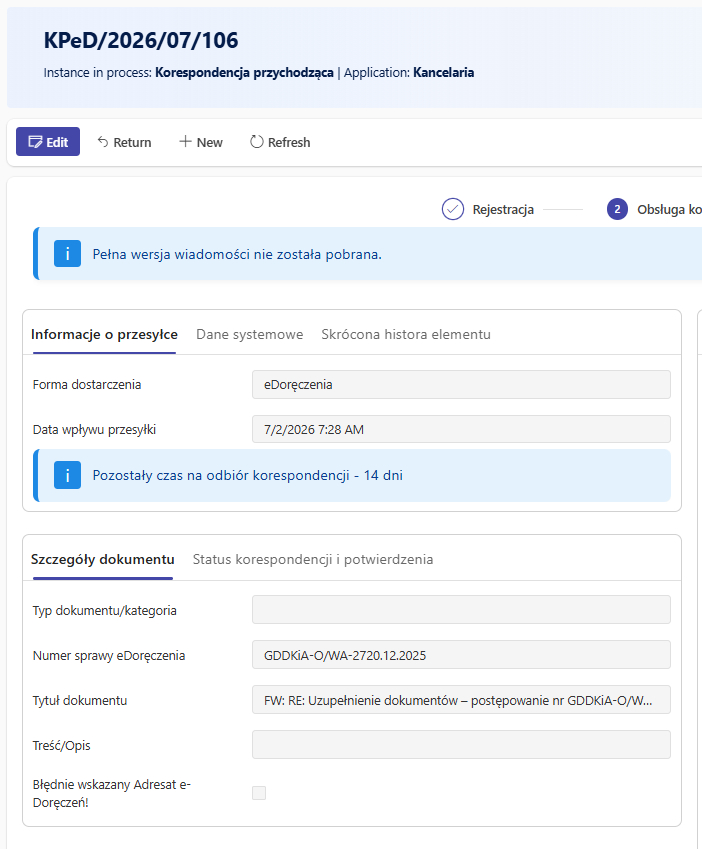
Status monitoring and alerts for dispatch status and response deadlines
Retrieval of proof of origin, proof of content, proof of delivery
and technical evidence
Automatic linking of correspondence
to the relevant project or related process, such as debt collection, building permits, or employee files.
Threading and tagging
Threading correspondence so letters related to the same case are automatically grouped, with the option to tag individual letters
Access management
Role-based access to selected types of correspondence for the relevant departments, such as court letters visibile only for Legal Department employees.
Integration via API
Integration with any information workflow system via API.
Message archive
Benefits
Reduced risk of deemed delivery
the system can remind users about unread messages or correspondence awaiting a response
Full control
centralized oversight of correspondence and archives across the entire capital group, including proof of receipt, message statuses, and attachments
Full compliance
and integration with the government service
Common integrations


How to set up e-Doręczenia service for business
- Submit an application to create an e-Doręczenia address at www.biznes.gov.pl. If you set up your address with a private provider, you must also apply to have the address added to BAE.
- After reviewing the application, the Ministry of Digital Affairs will create the e-Doręczenia address and mailbox.
- Activate the e-Doręczenia mailbox and address according to the instructions sent to the email address provided in your application.
- Your e-Doręczenia address will be entered into the BAE database, and you will receive an email notification in your e-Doręczenia mailbox.
- Assign an administrator for the e-Doręczenia mailbox.
- Start receiving and sending official correspondence through the GoNextStage e-Doręczenia Connector. Improve day-to-day work comfort and keep sensitive correspondence confidential within your organization.
Start managing e-Doręczenia with ease
Send an inquiry: tell us how much correspondence you handle, and we’ll prepare a tailored offer.
How do you send a letter through e-Doręczenia with the GoNextStage Connector?
How do you receive a letter through e-Doręczenia with the GoNextStage Connector?
Streamline e-Doręczenia management with the GoNextStage Connector
Send us an inquiry, and we’ll prepare a tailored offer.