GoNextStage KSeF Connector. Software for Poland’s National e-Invoicing System
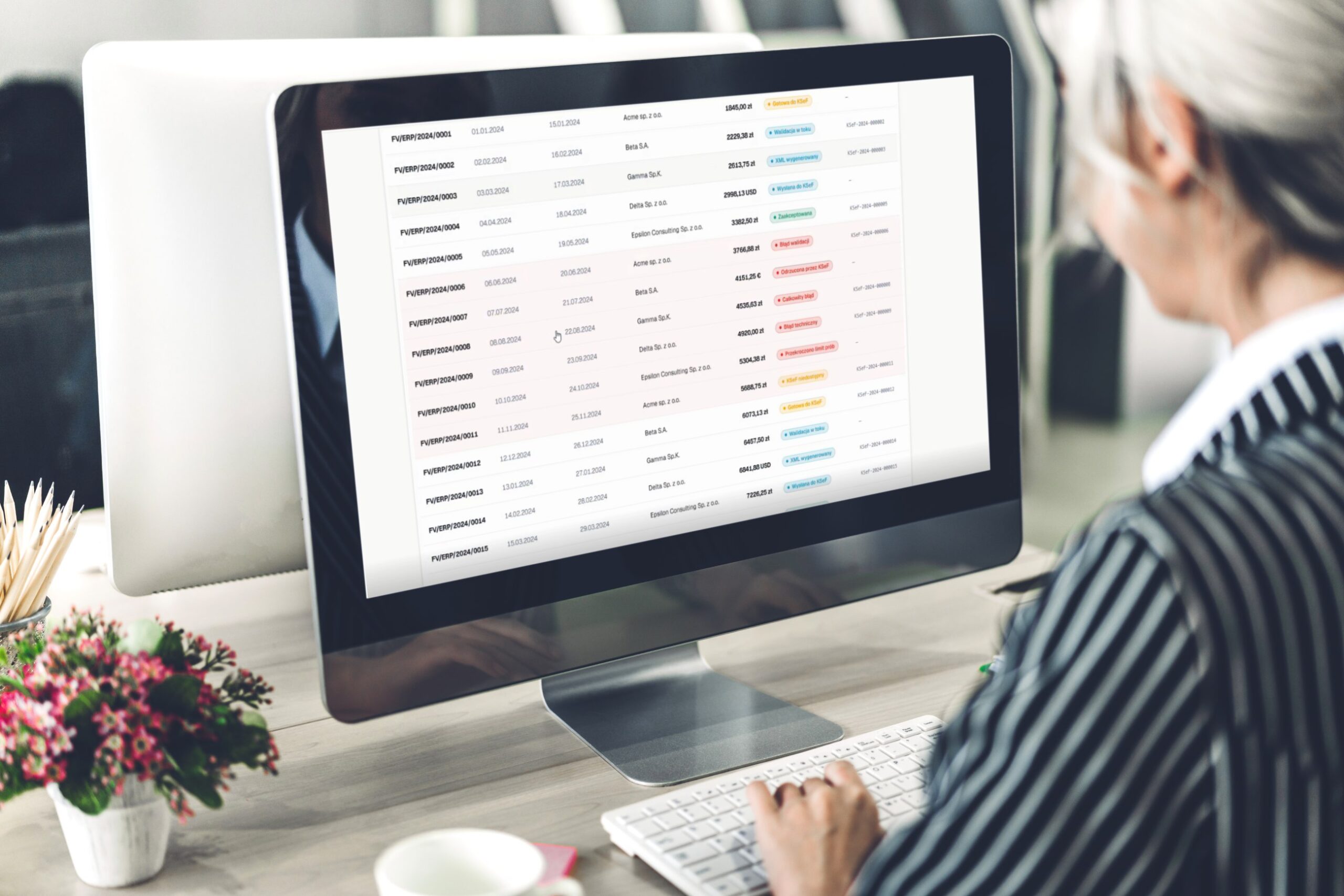
The GoNextStage KSeF Connector gives you access to invoice history, payment statuses, and invoice downloads without logging in to the government platform. It also helps your organization describe invoices consistently and opens the door to integrations that make it easier to settle business travel expenses or automatically post accounting documents.
GoNextStage Connector functions
The GoNextStage KSeF Connector is an application that automatically connects to KSeF and retrieves documents from the system up to several times a day. The process runs fully automatically, with no need to log in to the government platform.

Compliant with the current requirements of the Polish Ministry of Finance

Automatic invoice retrieval from KSeF
and automatic updates to the document report with the retrieved invoices

Easy invoice search and complete invoice history
Sort by payment due date, status, amount, issuer, invoice number, or issue date

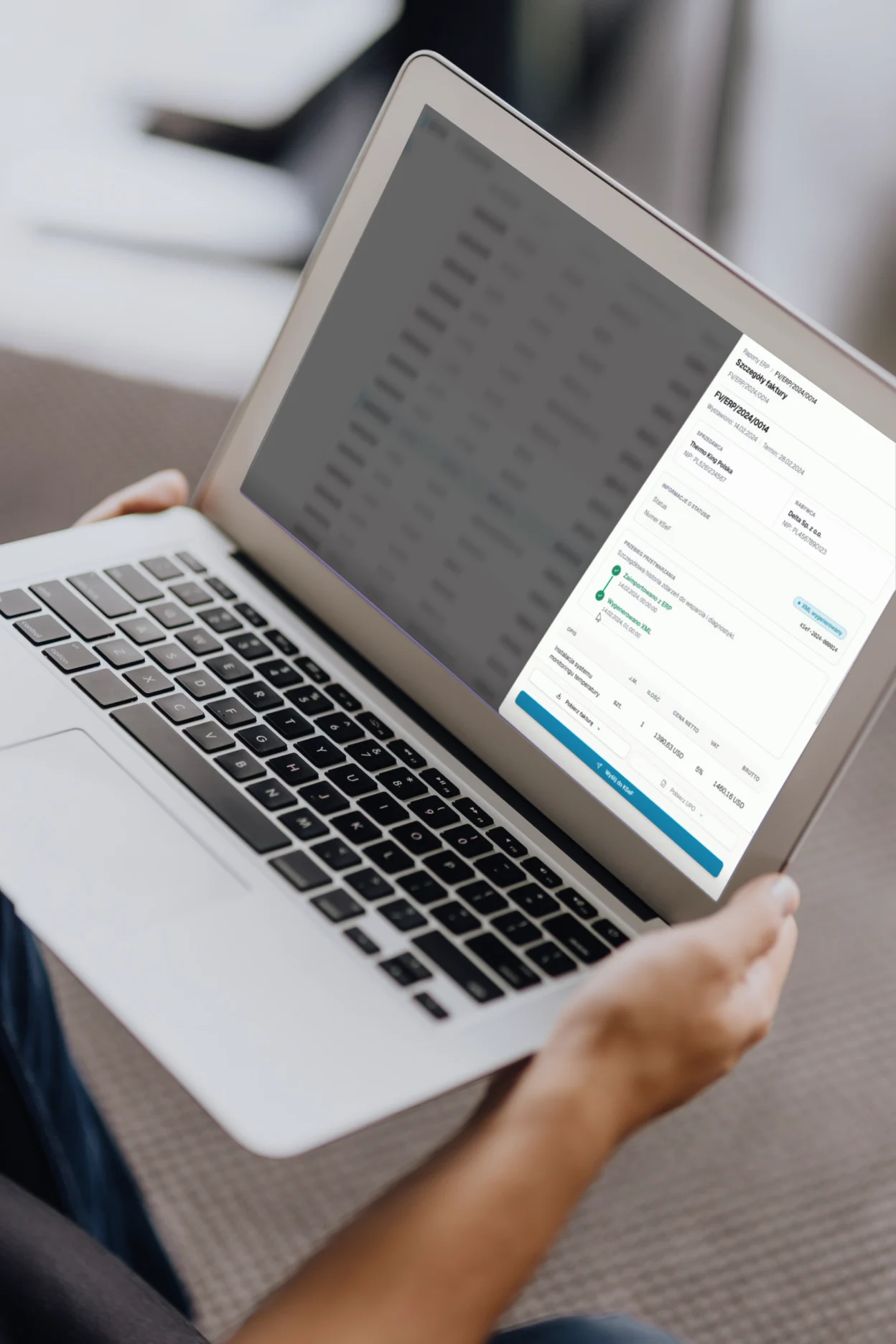
Preview and download invoices without logging in to the government system

Clear invoice statuses
Each invoice has its own status: Sent to KSeF, Accepted, Rejected by KSeF, Error, Ready for KSeF, and more.

Integration with any system
including document workflow and ERP systems such as WEBCON, SAP, Symfonia, IFS, and Microsoft solutions
Trusted by:







Cost invoice workflow with the KSeF Connector GoNextStage
- Document registration
Invoices enter the organization as paper documents (e.g. Receipts), files sent to a dedicated email inbox, or through KSeF. - Data capture with OCR
Paper documents and PDFs are automatically read by an OCR system. - KSeF conversion and analysis
The GoNextStage KSeF Connector visualizes XML invoices by converting them into PDF format. This makes it easy to verify the vendor and link the document to a contract or purchase order. - Posting and approval
The invoice owner completes the required information and sends the invoice for approval. - Accounting review
The accounting team reviews the document and makes any necessary corrections. - ERP integration and monitoring
The invoice is sent to the ERP system together with a preview link. The system automatically provides updates on the payment status.
Get a quote for your organization
Fill out the form, and we’ll get back to you with an offer.