

2 min
Visualization and Customization of KSeF e-Invoices – A Practical Guide
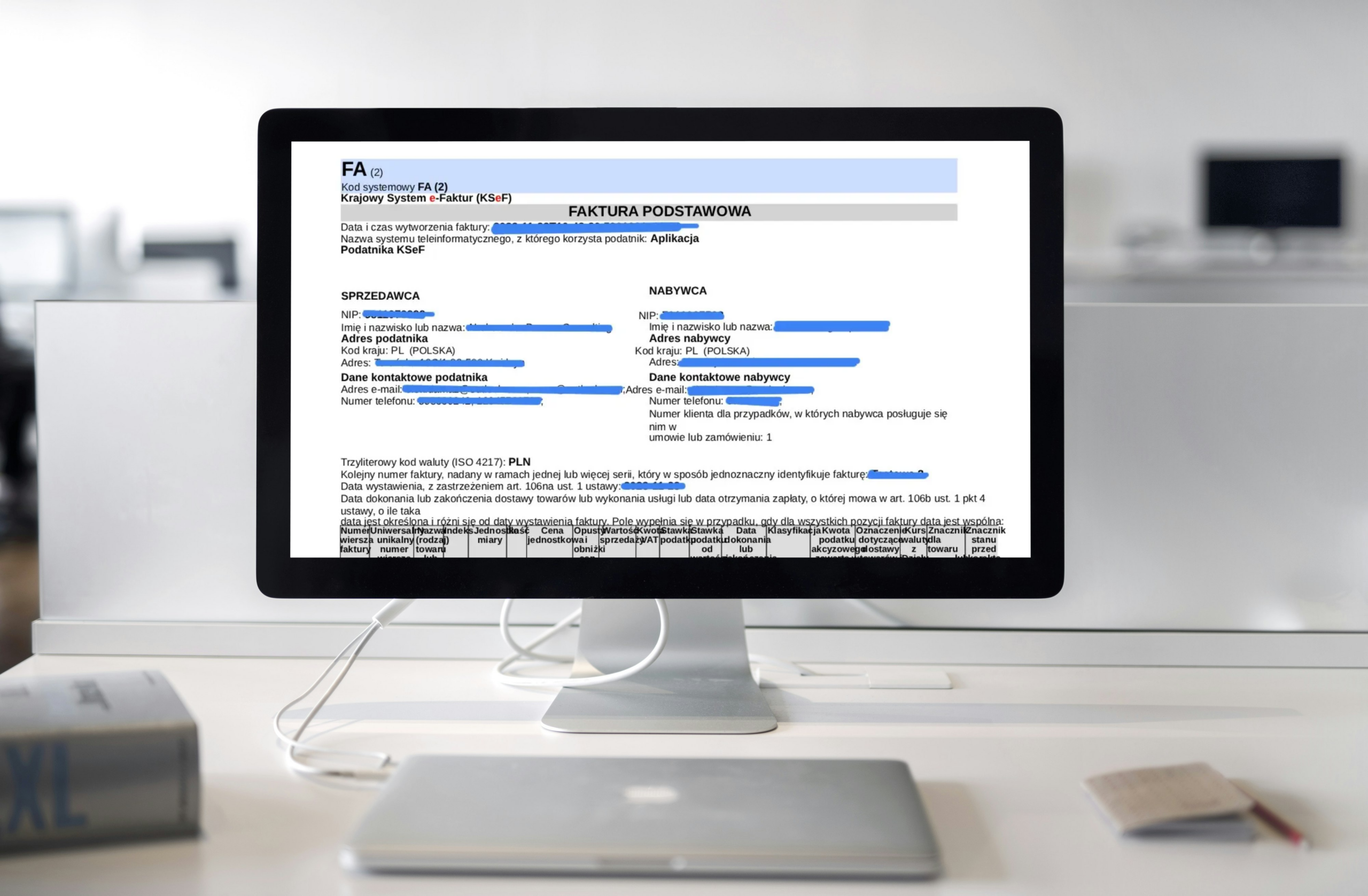
Although Polish National e-Invoicing System (KSeF) enforces a standardized document structure, that doesn’t mean you have to give up on personalizing your invoices. Customizing your KSeF invoices—whether it’s their visual design, approval workflow, or processing stages—is a smart way to streamline operations, improve client experience, and showcase your company’s professionalism. In this article, you’ll discover why personalization matters and how to implement it in line with the latest regulations.
Table of contents:
- Why Customize the Appearance of Your KSeF Invoice?
- Appearance of a KSeF Invoice
- Customizing the Appearance of a KSeF Invoice
- Go Beyond: Manage KSeF Like a Pro
Why Customize the Appearance of Your KSeF e-Invoice?
A personalized KSeF invoice design helps maintain a professional brand image at every stage of client interaction. Having a professional invoice template is essential if the system goes down or when sharing documents with international clients who are not obliged to use KSeF. So, how can you do this while staying compliant with the regulations?
See also: KSeF and non-Polish invoices or How to download invoices from Polish e-Invoicing System (KSeF)
Appearance of a KSeF e-Invoice
The National e-Invoicing System (KSeF) enforces a strictly defined invoice structure, described by the FA(3) schema and XML format. Hence the name: “a structured invoice.” Documents prepared according to the Polish Ministry’s guidelines will eventually be the only ones in circulation. You can see the visualization of your KSeF invoice directly in the national system or in business tools integrated with it.
Customizing the Appearance of a KSeF e-Invoice
Alongside issuing invoices through KSeF, you can send visually customized PDF invoices to your clients (for example, international partners), including elements like your company logo. Such a document remains valid as long as it includes a QR code that allows verification in Polish National e-Invoice System. This way, the recipient can instantly confirm the authenticity of the invoice.
For instance, the WEBCON platform offers a range of invoice templates you can tailor to your needs. Using XML-to-PDF conversion via GoNextStage KSeF Connector, the selected layout is automatically sent to the client (or to your ERP system if the integration covers that area), while the XML file is directed to KSeF—without the need to log into the government portal.
Additionally, the invoice layout can vary depending on the type of invoice. This means a standard sales invoice may have one design, a correction invoice another, and a prepayment invoice yet another. Such personalization helps teams handling settlement processes on the client’s side, as they can identify the document type at a glance from the PDF preview.
Go Beyond: Manage KSeF Like a Pro
Beyond customizing the look of your KSeF invoice, you can:
- define its approval workflow within your organization;
- set up acceptance stages;
- automate processes in your ERP system.
This way, the invoice becomes part of a streamlined, optimized workflow that saves time and minimizes errors—such as accidental duplicate invoices.
If you want to manage KSeF like a pro, get in touch with GoNextStage experts—a team of business analysts and developers who will translate your business needs into smart technology solutions.